Reports
This section will provide details on how to generate and download reports. Below are the instructions to enable one successfully complete this operation.
Steps to be taken to generate and download reports:
Report Generation Video Tutorial
Video Tutorial
- Navigate to the Reports Download tab.
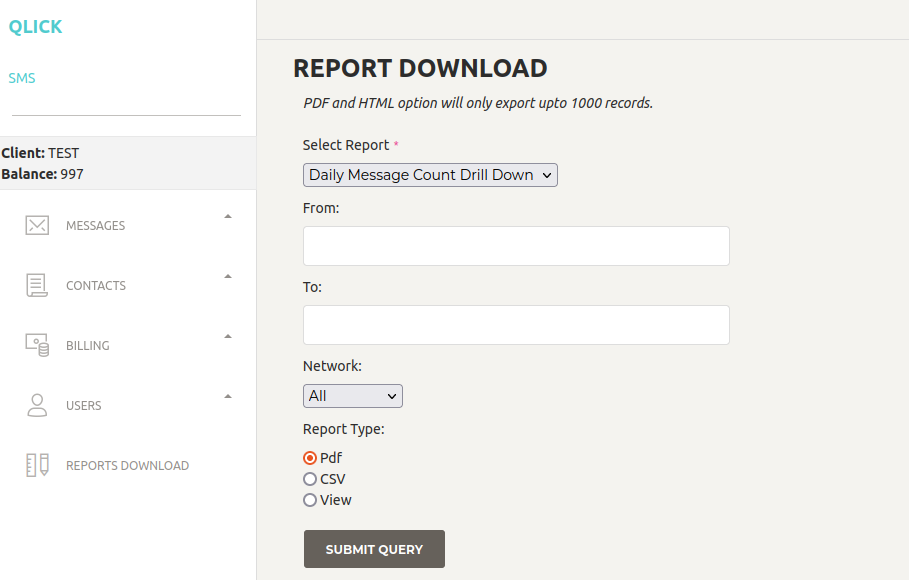
- Select Type of report you want.
Report Types:
- BlastsReport
- SentMessages
- DailyMessageCounts
- BulkConsumption
- DailyMessageCountDrillCount
- Select the date (from and to)
- Select Network Provider
- Select Format
- Click Download